Measuring customer satisfaction with one click in an email
Customers give their score straight from the thank-you email after a purchase. No login, no long questionnaire: one click is all it takes.
One click, one score with a name
With Survey4Bizz, customers rate their satisfaction with a single click, straight from the thank-you email they receive after a purchase. The score arrives immediately and is linked to the right customer, without them having to log in or fill in a long questionnaire. One optional open question then adds extra context.
Traditional surveys ask too much effort
Traditional satisfaction surveys ask too much of customers: open a link, work through a long questionnaire, sometimes log in first. Many customers drop out along the way, and the responses that do come in are often anonymous. You know that someone is unhappy, but not who, so you cannot follow up in a targeted way.
Four steps, a few seconds
The customer completes the whole journey in a few seconds. Below you can see what they get to see at each step. The screenshots come from a Dutch-language setup.
-
The thank-you email with a rating scale
After the purchase, the customer receives a personal email thanking them for their purchase and asking how satisfied they are. At the bottom is a colour scale from 0 (not at all satisfied) to 10 (perfect). The customer simply clicks a number: that is their score.
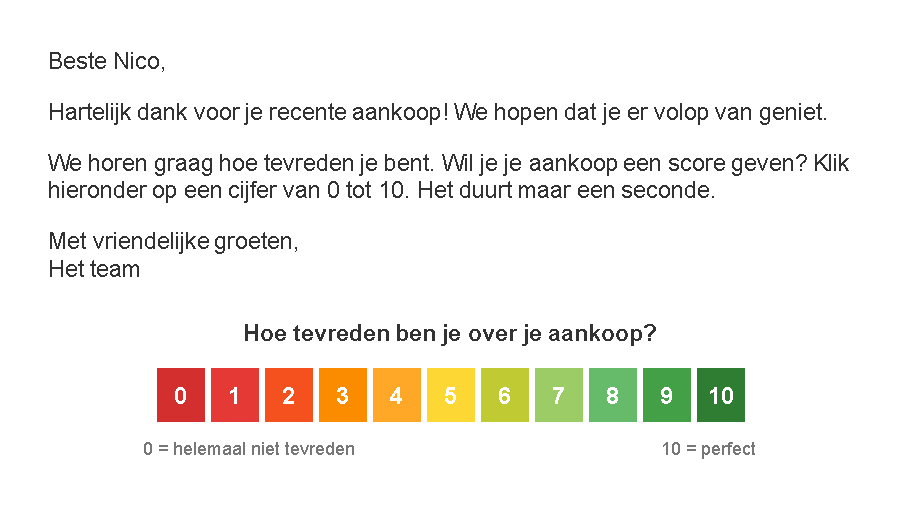
The thank-you email with the clickable 0–10 rating scale. -
One extra question
The click opens the Survey4Bizz questionnaire in the browser, in the organisation’s own branding. At that moment the score has already been recorded: opening the link is enough. The customer gets just one open question: “Is there any other feedback you would like to share with us?”
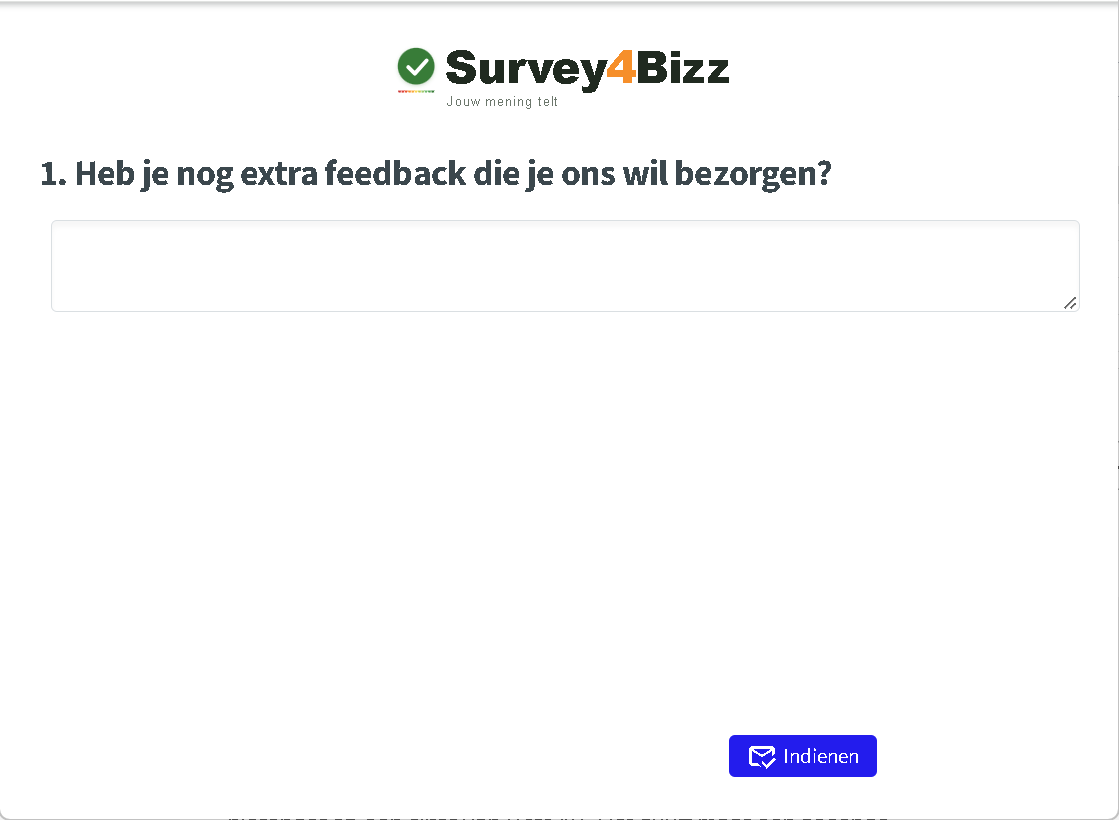
The questionnaire opens in the browser; the score has already been recorded. -
Entering and submitting feedback
The customer types their feedback, for example “What a fantastic experience. Everything went very smoothly.”, and clicks Submit. The question is optional: anyone who has nothing to add can submit right away.
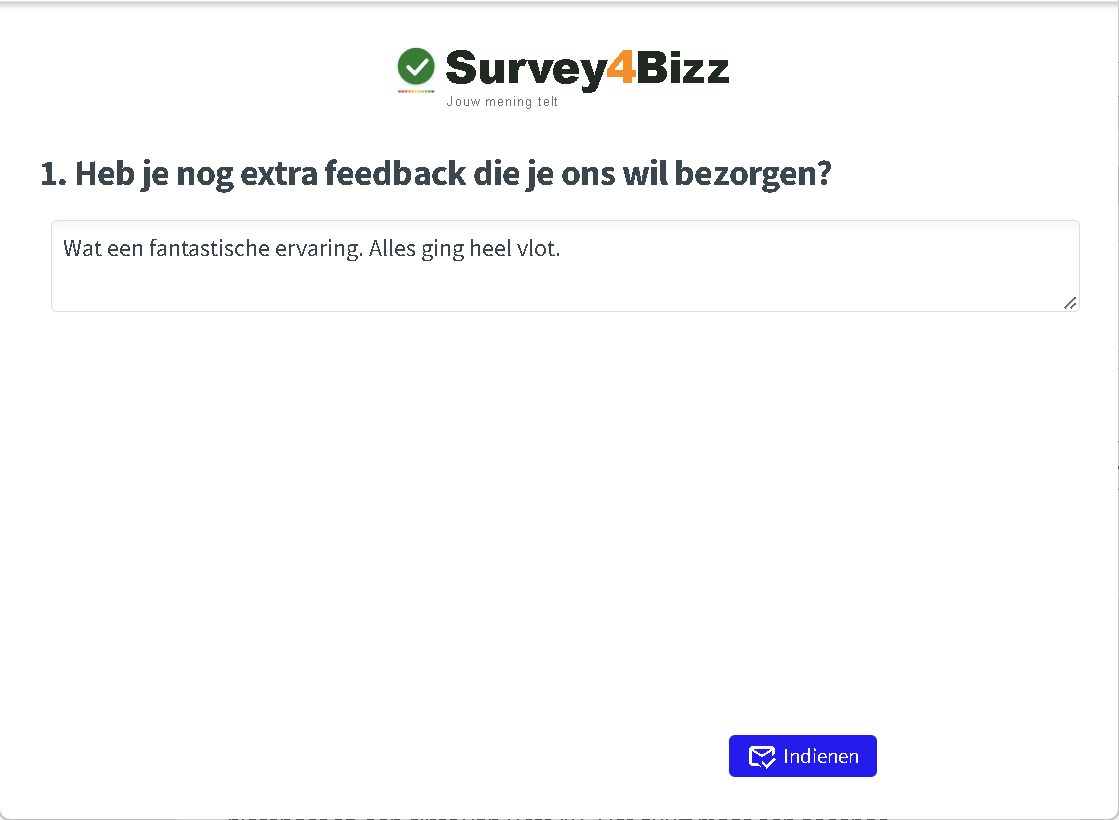
The open question is optional and adds context to the score. -
Thank you!
After submitting, a thank-you message appears. The customer knows their opinion has been heard, and the journey ends on a positive note.
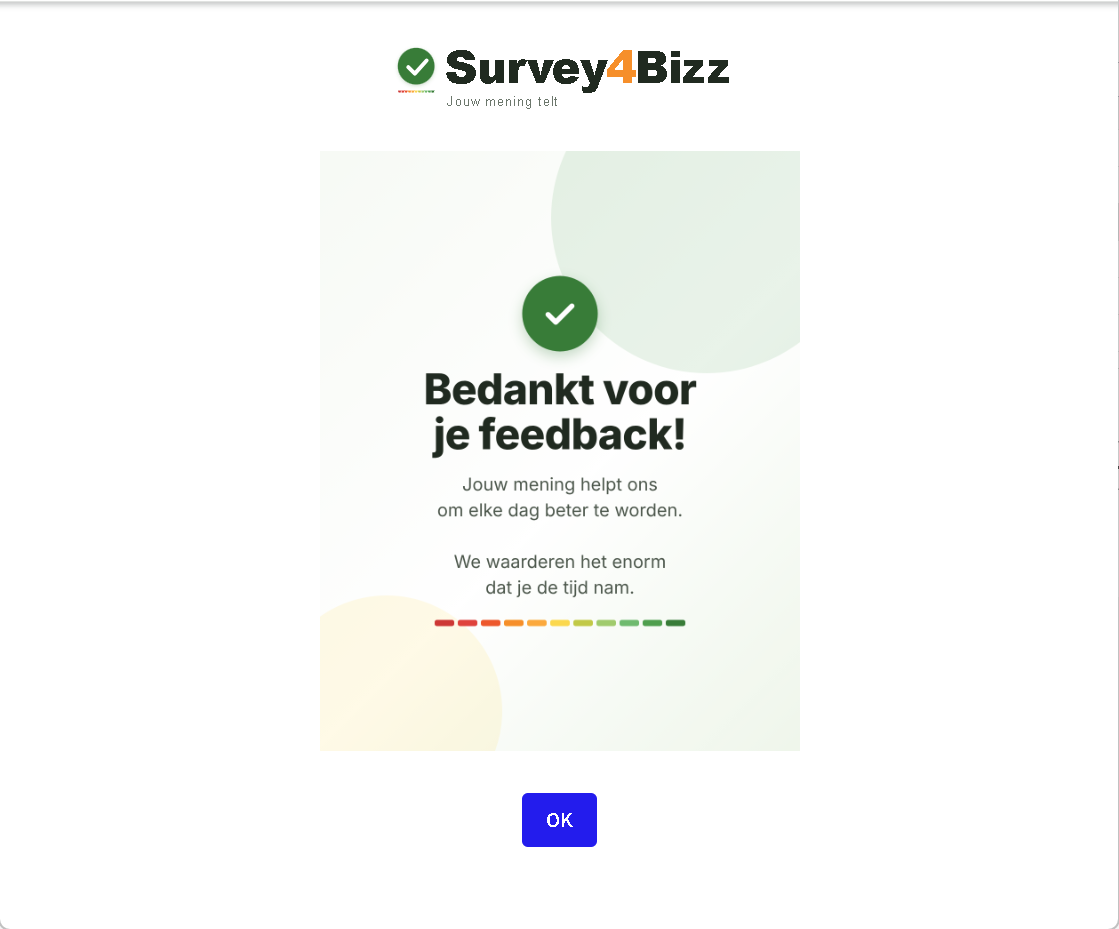
The thank-you page closes the journey on a positive note.
Every number is a link
Every number in the email links to the questionnaire, with two parameters in the URL.
| Parameter | What it contains | What it is for |
|---|---|---|
| Customer code | A unique code per customer, filled in for each email | Links the score to the right customer, without a login |
| Score | The number that was clicked (0 to 10) | Records the score as soon as the link is opened |
Illustrative example of the link behind the number 8: …&klantnr=AB12C&score=8. You can send the email itself from the mailing or CRM system your organisation already uses; it fills in each customer’s code in the links.
No score is ever lost
The score is recorded as soon as the link is opened. If the customer does not answer the extra question, their score is not lost. Such responses get a separate status, so you can report on and analyse them separately afterwards: how many customers only gave a score, and how many also answered the open question?
More responses, more insight
- Low threshold, more responses: customers answer with one click in their own inbox, without logging in.
- Every score has a name: thanks to the customer code you know exactly which customer gave which score, so you can follow up with dissatisfied customers quickly and personally.
- No score is lost: the score counts from the click. Responses without the follow-up question get their own status, so you can report on that group too.
- A number and a story: the score shows how satisfied the customer is; the open question tells you why.
- In your own branding: the email, questionnaire and thank-you page all carry the organisation’s look.
- Straight into Power BI: the results flow automatically into the Survey4Bizz Power BI reporting, so you can track satisfaction by product, service or period.
After every touchpoint
The same principle works wherever you want a quick read on how a touchpoint went: after an event or training, after a support request or repair, after a delivery, or after signing up with a club or federation.